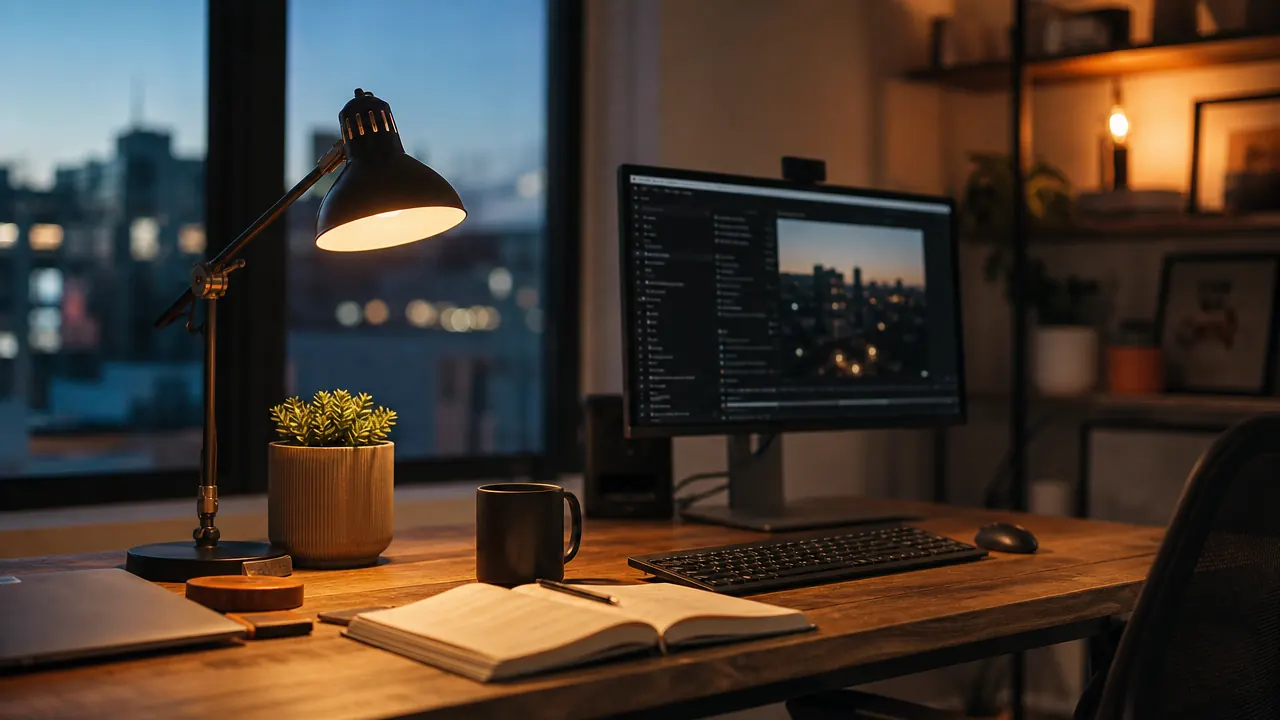
I spent three years working from home under whatever light was already in the room and told myself it was fine. Overhead ceiling fixture, no desk lamp, plenty of daylight through the window. By two or three in the afternoon my eyes felt like sandpaper. I blamed screen time, screen brightness, dry air, everything except the obvious culprit: the light hitting my desk from above was wrong for focused work, and I had nothing pointed at the right angle to fix it.
A dedicated LED desk lamp changed that situation quickly and cheaply. The one I landed on has 5 color modes, 11 brightness levels, and a USB charging port built into the base. It has over 13,900 reviews on Amazon and costs less than a decent lunch. What follows are the 10 specific reasons I think a proper eye-care desk lamp is worth the space it takes on your desk.
Your eyes are tired by 2 PM for a reason. Fix the light first.
This LED desk lamp with 5 color modes and 11 brightness levels has over 13,900 reviews and ships fast. Check the current price on Amazon before your next long workday.
Amazon Check Today's Price on Amazon →It Puts Light Where the Work Actually Is
Overhead lighting is designed to illuminate a room, not a task. The angle is almost always wrong for a desk: it hits the top of your monitor and the back of your keyboard while leaving the surface where you actually read and write in relative shadow. A desk lamp points light exactly where you direct it. Mine sits to the left of my monitor and throws a clean, even spread across my keyboard and notepad without touching the screen itself. That single shift in light angle made an immediate difference in how hard my eyes were working. If you want the full backstory on how I found this lamp, the <a href="led-desk-lamp-usb-review-long-term">long-term review</a> covers eight months of use.
Flicker-Free Light Stops the Low-Level Headache You Barely Notice
Cheap fluorescent and some LED bulbs flicker at 60 Hz or higher. You cannot see it consciously, but your visual system picks it up and works overtime compensating for it all day. The result is not a sharp headache; it is that dull pressure behind your eyes around 3 PM that you usually attribute to staring at the screen. Eye-care desk lamps use flicker-free LED drivers that produce genuinely steady light. After switching, the afternoon pressure headache I had accepted as normal disappeared within the first week. I do not know how to put a dollar value on that, but it was meaningful.
Adjustable Color Temperature Matches the Time of Day
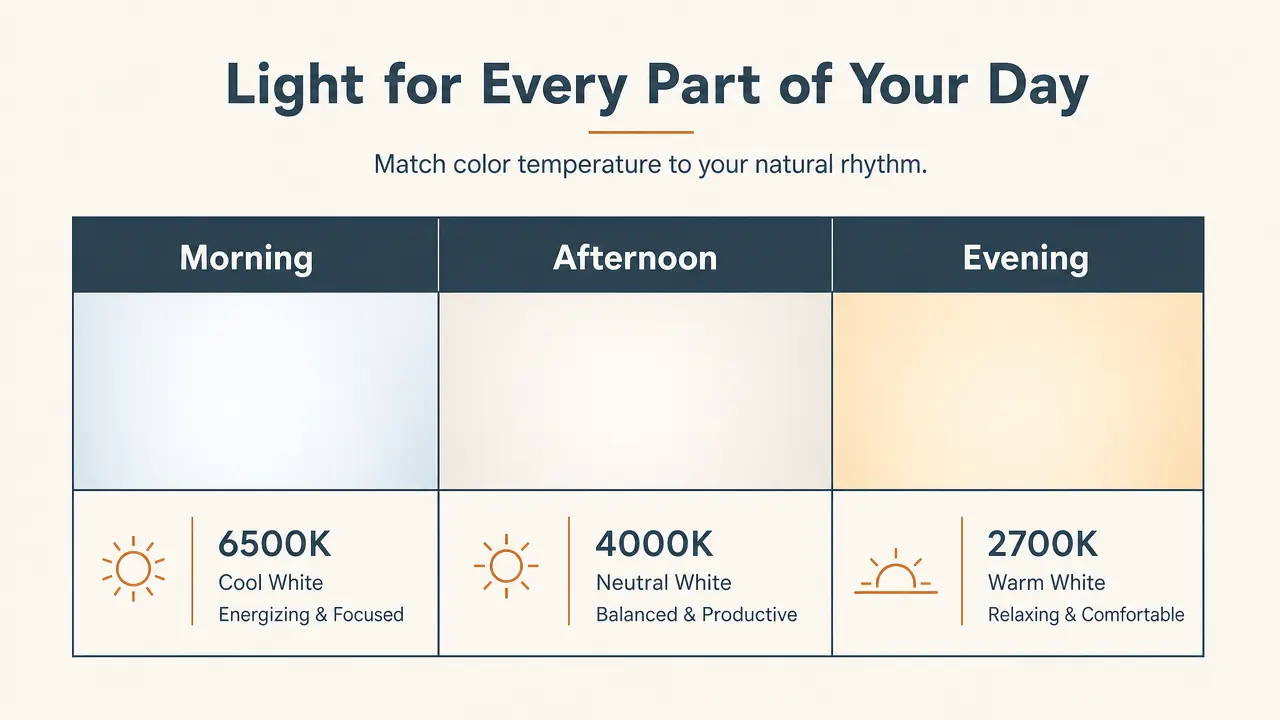
Blue-white light (around 5000K to 6500K) helps with alertness in the morning. Neutral light (around 4000K) works well for sustained focus in the afternoon. Warm light (2700K to 3000K) signals winding down in the evening and helps you sleep better when you close the laptop. Most people have no control over any of this because they are stuck with whatever color temperature their overhead fixture uses. This desk lamp has five distinct color modes covering that full range. I switch between them through the day without thinking about it much anymore, but the sleep improvement since cutting the blue light after 6 PM was noticeable enough that my partner commented on it.
It Fills the Shadow That Screen Glare Creates
Here is a thing that took me an embarrassingly long time to understand: the glare bothering you on your screen is not always light from the sun or overhead fixtures hitting the monitor directly. Sometimes it is the contrast between a bright screen and a darker surrounding area that your pupils are constantly adjusting for. Adding a lamp that raises the ambient brightness around the screen reduces that contrast. Your pupils stay at a more consistent dilation, and the perceived glare drops. I still position the lamp so it does not shine directly on the screen, but having it on is noticeably easier on my eyes than working in a room where the monitor is the brightest object by a wide margin. The <a href="desk-lamp-fixed-my-eye-strain-story">eye strain story</a> goes deeper on this if you want more context.
The USB Port Removes One Power Strip From Your Life
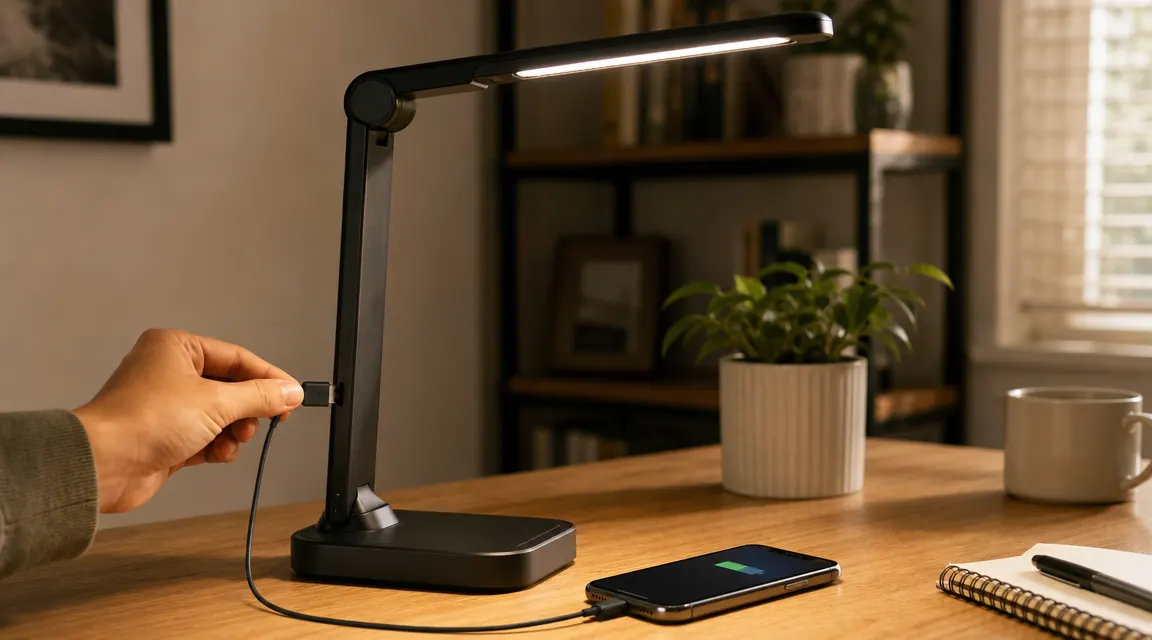
This sounds minor until you are staring at a power strip that has five things plugged in and no room for the sixth. The desk lamp I use has a USB-A port built into the base that can charge a phone at a decent rate. My phone no longer needs a spot on the power strip or a separate charger block on the desk. One cord from lamp to outlet, and the lamp handles the rest. It is a small thing, but decluttering a desk has real effects on focus, and freeing up a power strip slot is a practical bonus I use every single day.
By two in the afternoon my eyes felt like sandpaper. I blamed the screen, the air, my sleep. Turned out the fix was a twenty-dollar lamp pointed at the right angle.
An Adjustable Arm Lets You Change the Setup Without Moving the Lamp
Fixed lamps are frustrating. You find a good angle, and then you need to spread out some papers to the left, or pull the keyboard closer, or your monitor height changes, and the light is wrong again. A lamp with a flexible gooseneck or articulating arm means you adjust the light in ten seconds and get back to work. I reposition mine at least once or twice a day. Morning reading sessions benefit from a lower angle hitting the desk surface. Afternoon screen work calls for the head angled higher and slightly back. Flexibility is not a luxury feature on a desk lamp; it is the main feature.
LED Efficiency Means It Runs Cool and Costs Almost Nothing to Operate
A halogen desk lamp of the same apparent brightness uses five to six times the energy of an equivalent LED lamp and generates real heat. If you have ever accidentally touched an old-style halogen desk lamp after it has been on for an hour, you know what I mean. LED lamps run cool to the touch even after a full workday, and they draw so little power that the operating cost over a year is genuinely negligible. Energy efficiency is not usually why someone buys a desk lamp, but it is a nice thing to stop worrying about. I leave this one on all day without giving it a second thought.
11 Brightness Levels Give You Real Control Over the Mood of Your Desk
Five levels feels like a feature. Eleven feels like actual control. On a bright summer afternoon when the room is already well lit, I run the lamp at level three or four, just enough to reduce contrast around the screen. On a gray winter morning with no natural light coming through the window, I go up to eight or nine. On evenings when I am reading rather than typing, I drop it to two with warm color mode and the desk feels like a different, quieter place. Granular brightness control sounds like overkill until you have it, and then a lamp with only high-medium-low feels like a blunt instrument.
Touch Controls Keep the Desk Clean and Are Faster Than Switches
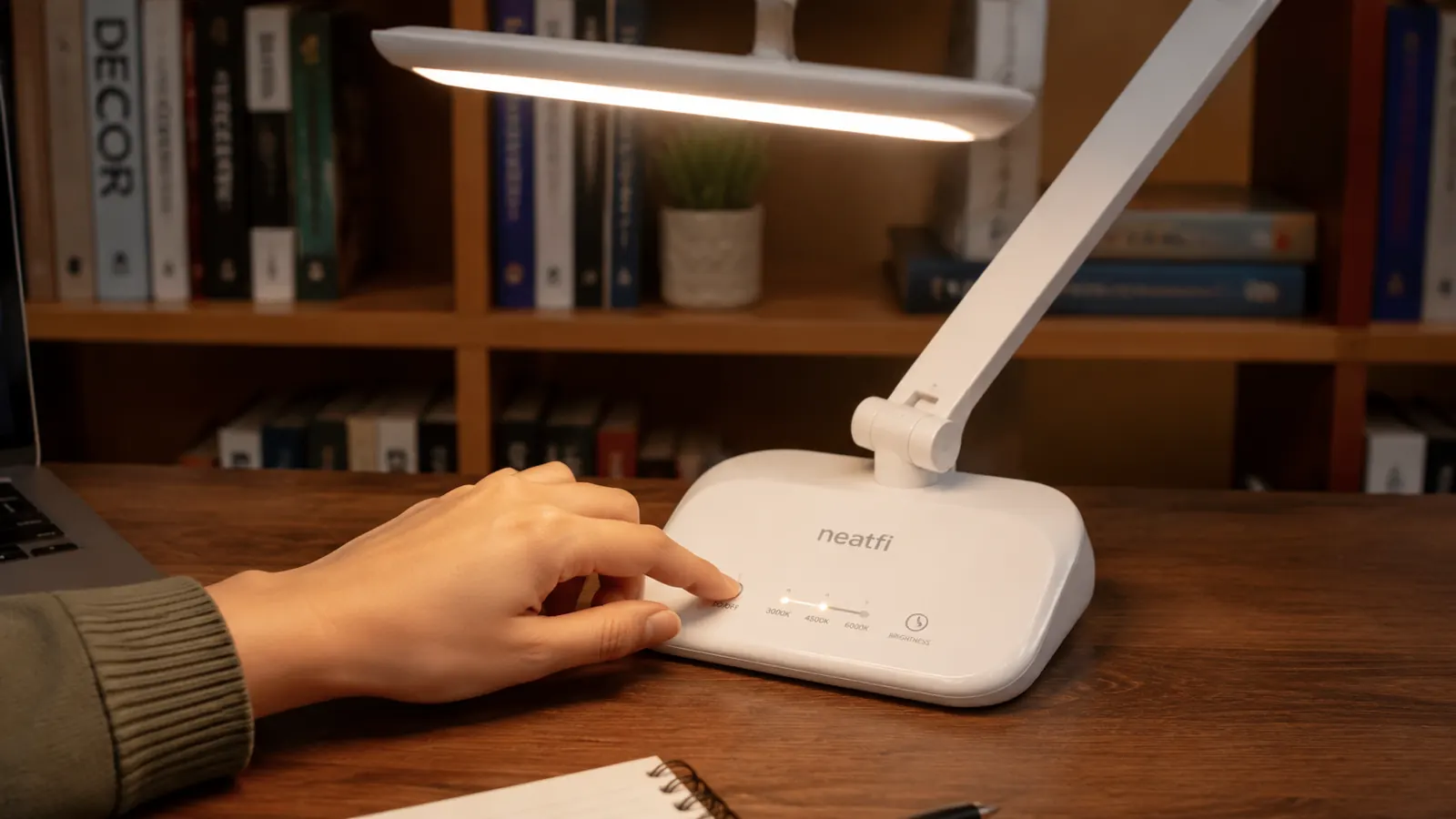
I know touch controls on a desk lamp sound like a gimmick. In practice they are just easier. Tap once to turn on, tap and hold to cycle brightness, tap a different zone to change color mode. No pulling a chain, no hunting for a small switch in a dark room, no accidentally moving the lamp when you reach for it. The base stays in place and the controls are exactly where you expect them. After a few days it becomes completely automatic, which is what you want from any tool you interact with dozens of times a day.
It Costs Less Than One Month of Ibuprofen for Eye-Strain Headaches
This lamp is budget-friendly. One box of 200 ibuprofen tablets costs roughly the same. I am not saying a desk lamp is a medical device or that it cures anything. I am saying that the afternoon headaches I was treating with over-the-counter pain relievers went away when I fixed my desk lighting, and the lamp cost about as much as a month of that habit. Even if your eye strain is mild, the math on an inexpensive fix for a daily annoyance is straightforward. If you want to read more about what specifically to look for before buying, the <a href="led-desk-lamp-usb-review-long-term">full review</a> walks through eight months of real use.
What I'd Skip
I would skip any desk lamp that does not have at least three color temperature modes. Lamps with a single fixed color temperature are fine for a bedroom nightstand but not for a full workday. I would also skip lamps with physical rotary dimmers rather than step-based touch controls: the rotary versions are harder to land on the same setting twice, which matters more than you think when you are trying to recreate the setup that felt right the day before. Finally, skip anything with a very short, non-adjustable neck. Positioning flexibility is not optional if you actually use your desk for more than one kind of task. The lamp I use clears all three of these bars without costing much more than the ones that do not.
Budget-friendly way to stop squinting through the back half of your workday.
This LED desk lamp with 5 color modes, 11 brightness levels, and a built-in USB charging port has earned over 13,900 reviews. See the current price and shipping details on Amazon.
Amazon Check Today's Price on Amazon →