
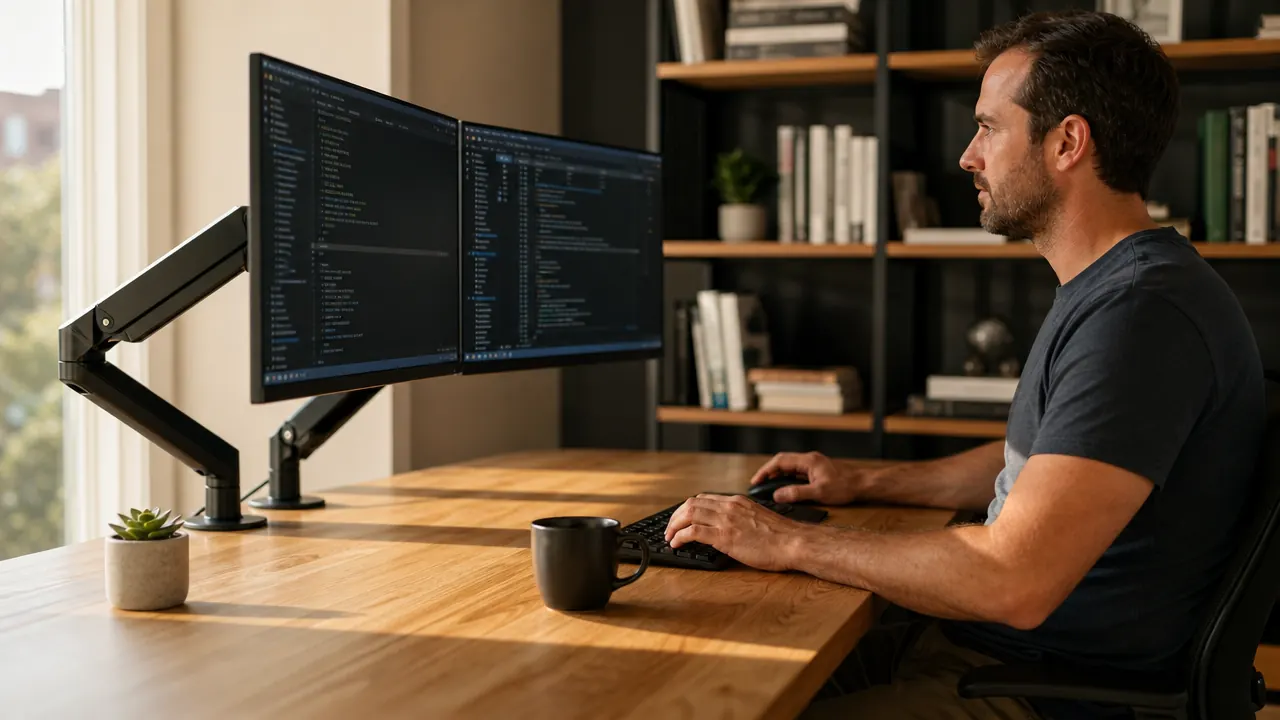
For the first two years of working from home, I had two monitors propped up on the plastic stands they shipped with. They sat wherever the manufacturer decided they should sit, at whatever height the stand allowed, and every power cord and USB cable just hung down the back of the desk in a tangle I told myself I would deal with eventually. I thought upgrading to a monitor arm was the kind of thing YouTubers did to make their desks look good in videos. Turns out I was wrong about that.
After a full year with the HUANUO dual monitor arm mounted on my 60-inch desk, I can tell you there are real, practical reasons this piece of hardware makes a difference. Not aesthetic ones. Practical ones. Here are the ten that matter most.
Your desk has six inches of wasted depth under those stands. A dual arm takes it back.
The HUANUO dual monitor arm holds screens from 13 to 32 inches, installs in under 30 minutes with a C-clamp, and has over 34,000 reviews from people who made the same switch. Check today's price before you spend another week with plastic stands eating your desk.
Amazon Check Today's Price on Amazon →You Get Your Desk Surface Back
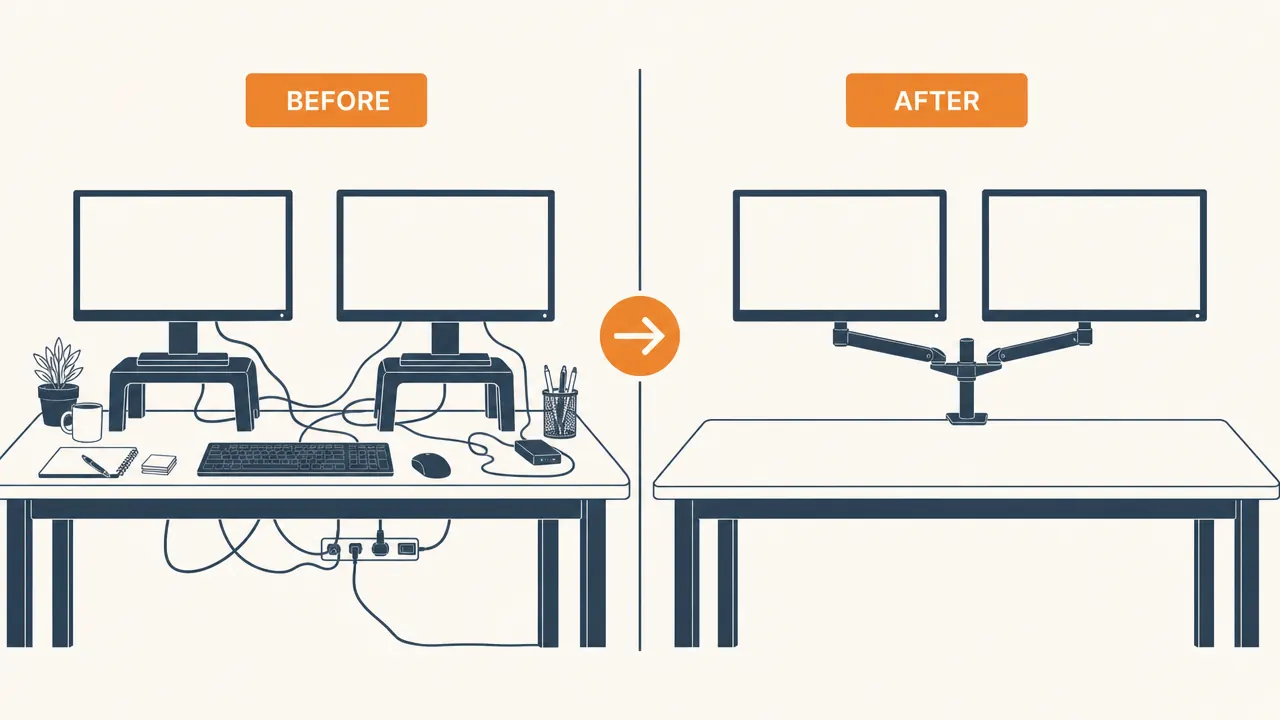
Two monitor stands take up a surprising amount of real estate. On my desk the footprints together covered nearly 18 inches of depth, which meant my keyboard, notebook, and water bottle were all competing for whatever was left. Mounting both screens on the HUANUO arm cleared that entire footprint in one move. The space underneath each monitor is open. You can actually put things there.
Your Monitors Sit at the Right Eye Level
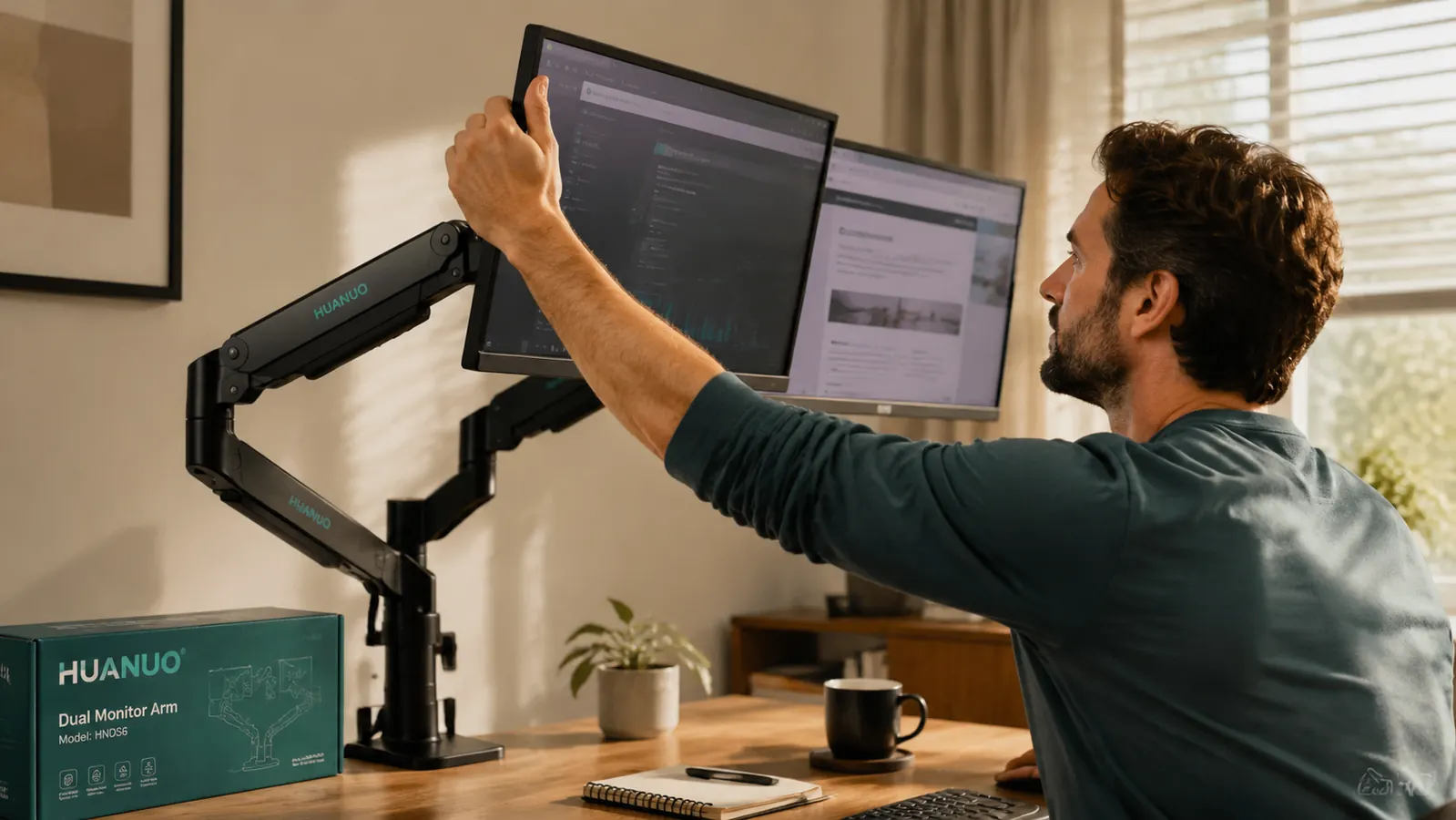
Most monitor stands give you one or two inches of height adjustment, which means the majority of people are looking slightly down at their screens all day. Over eight hours that translates to neck fatigue you may have stopped noticing because it just feels normal now. The HUANUO arm lets you set height precisely, so the top of your screen lands right at or just below eye level. My neck stopped aching within the first week after I made that adjustment. See the full <a href="/huanuo-dual-monitor-arm-review-long-term">HUANUO long-term review</a> for how I dialed in the settings.
Dual-Screen Alignment Becomes Effortless
Getting two monitors to sit at the same height and angle with independent stands is fiddlier than it sounds. You're shimming one with a book, or you just give up and live with a slight offset. A dual arm like the HUANUO holds both screens from a single post, so getting them level with each other takes about 30 seconds. You adjust one, match the other, and they stay put.
Tilt and Swivel Without Moving the Whole Setup
With a fixed stand, adjusting your monitor angle means physically pushing the whole screen around on its base, which shifts everything nearby. The HUANUO arm has independent tilt and swivel at the head of each arm. Tipping a screen back slightly to cut window glare, or swinging one monitor toward a colleague sitting next to you, is a two-second move. You just reach up and position it.
Cable Routing Goes from Chaos to Clean
Monitor stands leave cables to fend for themselves. The HUANUO arm has cable management channels built into the arm itself, so your video and power cables run through the arm and emerge neatly at the back. Combined with an <a href="/huanuo-monitor-arm-transformed-my-desk">under-desk cable solution</a>, you can get a desk that looks like you actually planned the whole thing.
Changing Your Depth Takes Two Seconds
Sometimes you want your screens close for focused work and pulled back when you're on a video call or reading. With a stand you'd have to physically drag it toward or away from you. The HUANUO arm moves on a spring-loaded joint. Pull the screens toward you, push them back, done. I use this daily without thinking about it.
It Works with a Standing Desk Without Buying Anything Extra
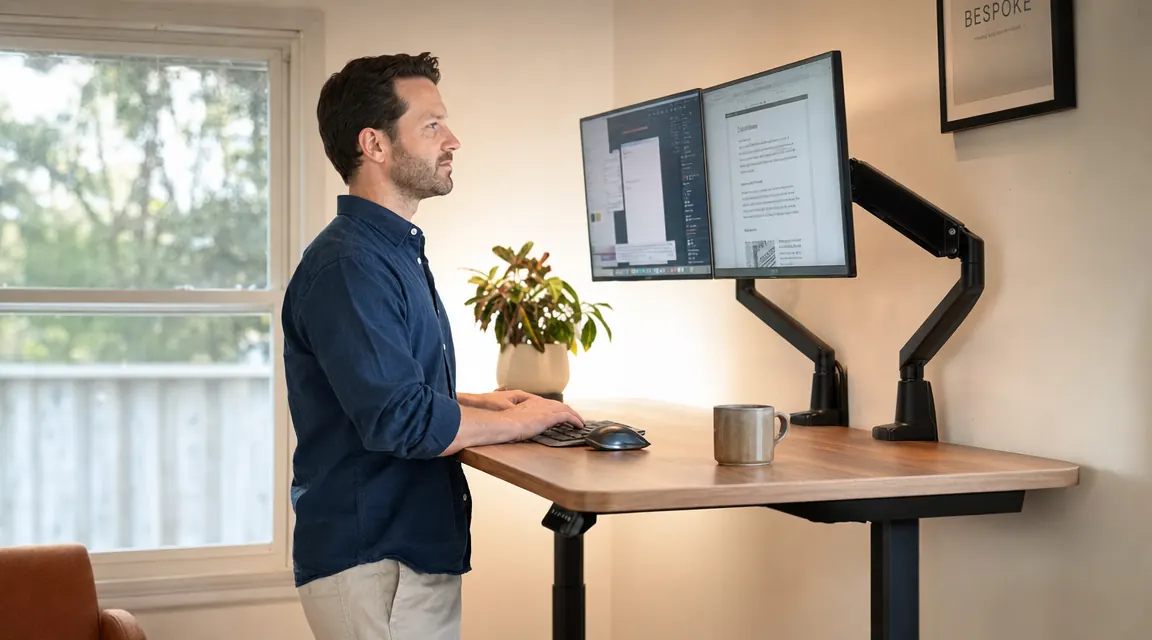
If you use a sit-stand desk, fixed monitor stands create a problem: as the desk rises, your screen height relative to your eyes changes. A monitor arm on a C-clamp moves with the desk surface. As you raise the desk, the monitors come up too, and you can fine-tune height independently so standing eye level stays correct. No riser, no secondary mount, no workaround.
You Can Pivot One Screen to Portrait Mode Easily
Designers, developers, and writers often find portrait orientation useful for one screen. Rotating a monitor on a fixed stand is awkward and often requires tightening a screw you last touched the day you unboxed it. The HUANUO arm rotates at the mount point. You loosen one knob, spin the screen 90 degrees, retighten. It stays exactly where you put it.
The Desk Cleans in Under a Minute
When your monitors sit on stands, cleaning underneath them means lifting each one, wiping, setting it back down, then untangling any cables you moved. With screens on an arm, the entire desk surface is open. Swipe a cloth across the whole thing in one pass. This sounds minor until you realize how much less often you were cleaning around your old setup.
The Setup Looks Intentional
This one is harder to quantify but easier to feel. When your monitors float cleanly off the desk and your cables are routed out of sight, the whole workspace reads as put-together. That matters more than it probably should. A clean, organized space is one you actually want to sit down at. The HUANUO arm with 34,172 reviews at 4.6 stars is the reason a lot of home offices in that review pool look the way they do.
What I'd Skip
If you only have one monitor and no plans to add a second, a dual arm is overkill. A single-arm mount does the same job at lower cost and with less bulk on the desk. Also, if your desk surface is thinner than three quarters of an inch or thicker than about two and a half inches at the edge, double-check the HUANUO C-clamp spec before ordering. Most standard desks fall well within that range, but thin IKEA tabletops and very thick solid wood slabs occasionally sit outside it. For most people working a standard home office desk, neither of those exceptions applies.
The first morning after I mounted the arm, I sat down and just looked at the clear desk surface for a moment. All that space had been there the whole time.
If your monitors are still on their original stands, this is the upgrade that changes the most with the least effort.
The HUANUO dual monitor arm fits screens from 13 to 32 inches, mounts with a C-clamp in under 30 minutes, and routes cables through the arm for a clean finish. With over 34,000 reviews and a 4.6-star rating it is the most proven option at its price. Check today's price on Amazon and see if it is in stock.
Amazon Check Today's Price on Amazon →